
Guide
Add or repair a workflow action
Find the browser handler, enforce workflow rules on the server, and test the allowed and denied paths.
Demo baseline · November 13, 2026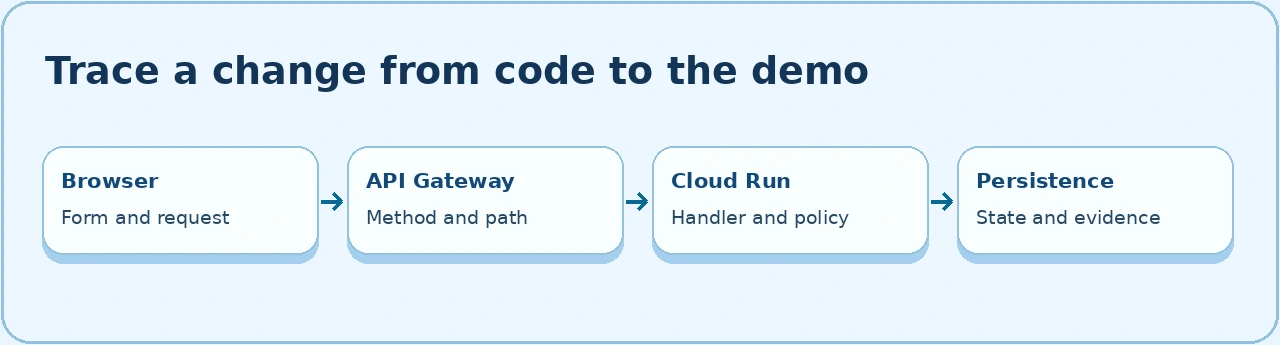
Find the implementation
- Reproduce the request in the browser and copy the method and path from Network. Record the current state and which role can see the action.
- Use the served revision as the baseline. Check the router, browser handler, and gateway spec in the same checkout. This example traces the change record’s save.
cd ~/cloud-dev/qintorava-cloud
git status --short --branch
git switch -c dev/change-authorization-validation
rg -n 'Normal changes require|cabScheduleId' src/server.ts public/app.js src/meta.ts
rg -n '/api/work-items/\{id\}' openapi.yaml
rg -n 'authorize|cabScheduleId' tests/e2e/generated-change-calendar-workflow.mjs
Validate before writing
The change save handler merges the persisted record with permitted edits. Check the merged CAB reference in the authorization branch, before writing state or requesting approvals. For an explicit client error, send the expected status through Express’s existing error handler.
if (merged.changeType === 'normal' && !merged.cabScheduleId) {
  throw Object.assign(
    new Error('Normal changes require a scheduled CAB meeting before authorization'),
    { status: 400 },
  );
}
- Keep the existing route’s authentication, tenant and record access checks ahead of the action. Reuse its validated fields and the existing transaction for correlated writes.
- Use the merged state to check prerequisites. Keep read-only roles and owners with a different scope in the denied test path.
- For a new action, add the route’s method and responses to
openapi.yaml. For an existing action, preserve its request, response, naming, and client expectations. Use the gateway procedure if a public path changes. - In the browser, keep the submitted form available when the API returns a recoverable error. Display the specific server message and refresh the record after a confirmed success. Inspect the saved record after an interrupted write.
Verify and release
- A normal change without a CAB meeting returns
400and stays in its existing state. - An eligible change with a valid scheduled CAB reaches authorization and records the correct first approver.
- An unauthorized identity cannot make the transition. A retry after a stale edit uses the refreshed record and creates no duplicate approval.
Run the disposable verification procedure, then follow the Cloud Run release procedure.